Setting Up a Chatbot for Business: WhatsApp, Telegram, and Sales Automation
The boring “Hello, how can I help you?” is a thing of the past. In 2025, it’s no longer a manager who greets the customer first—it’s a bot. Smart, polite, and doesn’t take lunch breaks. Setting up a chatbot for business is a necessity, especially if you need to automate lead flow and move them down the sales funnel.
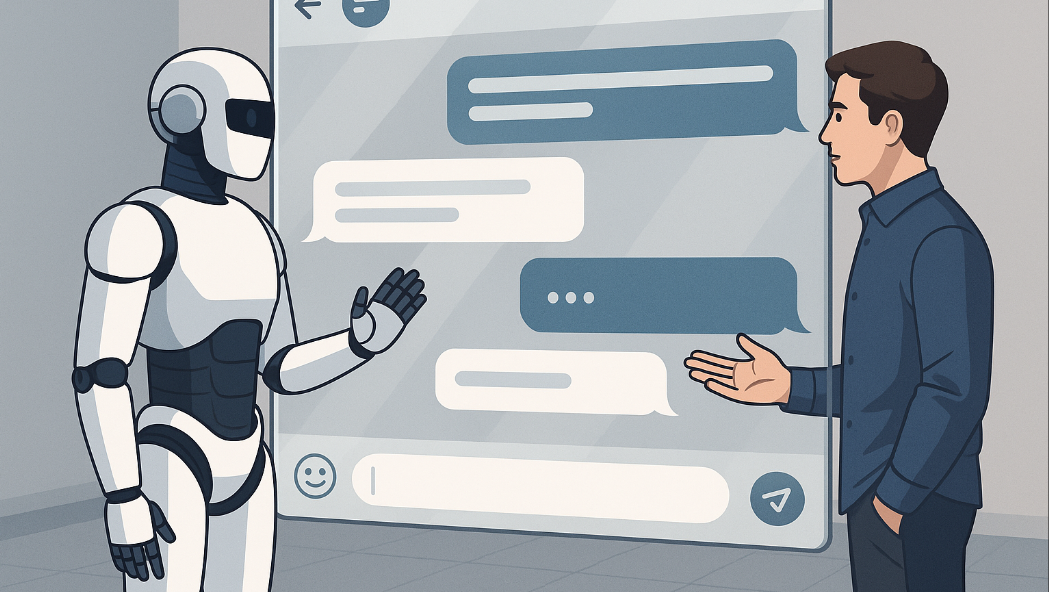
Let’s explore bots and platforms that are helpful for this task, so you can connect everything to your CRM and analyze it properly.
What Is a Chatbot and Why Does a Business Need One
How a Chatbot Works
A chatbot is your digital employee. It operates according to a predefined script, asks questions, offers options, responds to common inquiries, sends links, and processes orders. Yes, all this happens while you’re sleeping, commuting, or stuck on Zoom.
Advantages of Using Chatbots in Messengers
-
Instant response to inquiries
-
Automated messaging
-
Reduced workload for managers
-
Operates 24/7
-
Easily adaptable to various tasks
Business Tasks That a Bot Can Handle
-
Customer support
-
Lead generation and processing
-
Reminders
-
Consultations and sales
-
Booking or callback requests
If you run an online store, e-learning, a salon, or offer services—a chatbot is a must-have.
Types of Chatbots: From Simple Auto-Replies to Advanced Solutions
-
Button-based Chatbots. The simplest kind: press a button, get a response. Good for FAQs, menus, bookings, and links. A great start for those who need simple chatbot setup in messengers.
-
AI-based Chatbots. Here, artificial intelligence comes into play. These bots can hold conversations like a human, clarify questions, and recommend products. Harder to build, but much more powerful.
-
CRM-integrated Bots. This is business on steroids. The bot recognizes the customer, pulls up data, and logs results into their CRM card. This integration speeds up sales and eliminates manual input.
Setting Up a Chatbot: Tools and Platforms
Free Platforms for Bot Creation
Here’s where you can start if your budget is tight:
-
ManyChat (limited free plan)
-
Chatfuel
-
Puzzlebot
-
Telegram BotFather + NodeRED (for those with basic tech skills)
Yes, it’s really possible to create a chatbot for free. The key is investing time in writing the scripts.
How to Choose a Platform Based on Business Needs
Ask yourself:
-
Where is your audience (WhatsApp, Telegram, Instagram)?
-
What does your bot need to do? Just buttons or complex logic?
-
Do you need integration with CRM, website, analytics?
The more complex your goals, the more powerful your platform should be. Hstore offers ready-made accounts and bot creation support, and online you can find message templates, funnels, and even visual scripts—all saving you time and energy.
WhatsApp Chatbot: Setup, Limitations, and Benefits
Anyone who has worked in nails or brows knows WhatsApp bots are workhorses. Limitations include: you need an officially connected WhatsApp Business API, an aggregator platform, and you can’t message users first without subscription. But the pros: high open rate, trust, personalization.
Telegram Chatbot: Setup and Launch
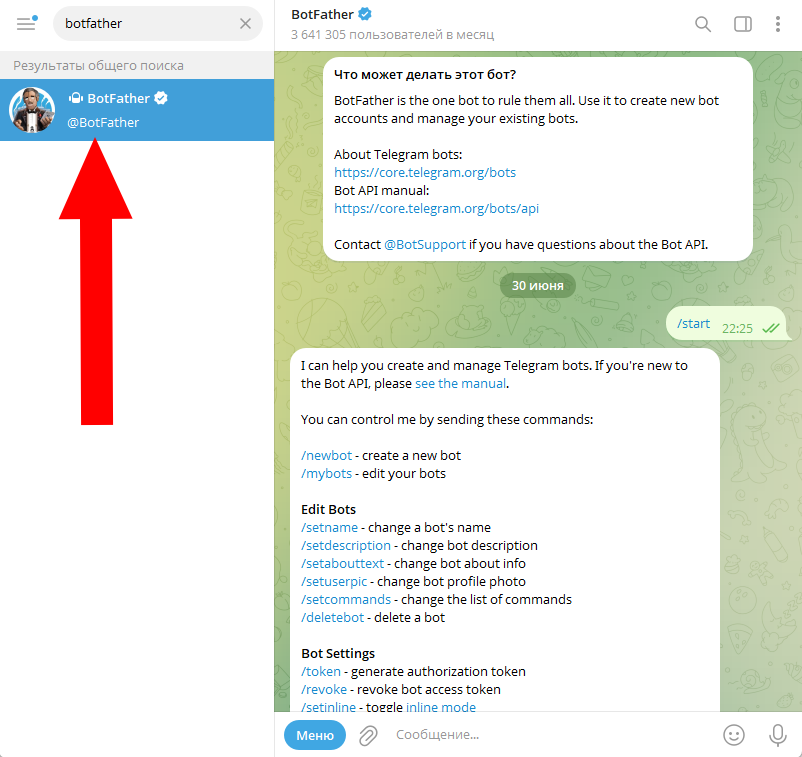
Telegram bots are simpler: BotFather, description, buttons, script—done. You can set them up yourself or use services. The main thing: don’t forget to use Telegram auto-replies and test your logic thoroughly.
Automating Customer Communication
Setting Up Auto-Replies for Online Stores
Common tasks:
-
Order clarification
-
Tracking
-
Upselling
You can even borrow pre-made auto-reply templates for online stores and customize them.
Automatic Message Script Examples
-
Greeting
-
Clarify interest
-
Offer product/service
-
Capture contact / submit request
-
Thank you + upsell
Use this as a mini-funnel template. That’s your sales chatbot—quick, convenient, no pressure.
Mistakes to Avoid
-
Overcomplication: if even you don’t understand the script, it’s a problem
-
Too many messages
-
No manual handoff to a human
-
Poor logic: bot hits a dead end and goes silent
Integrating Chatbots with CRM and Analytics
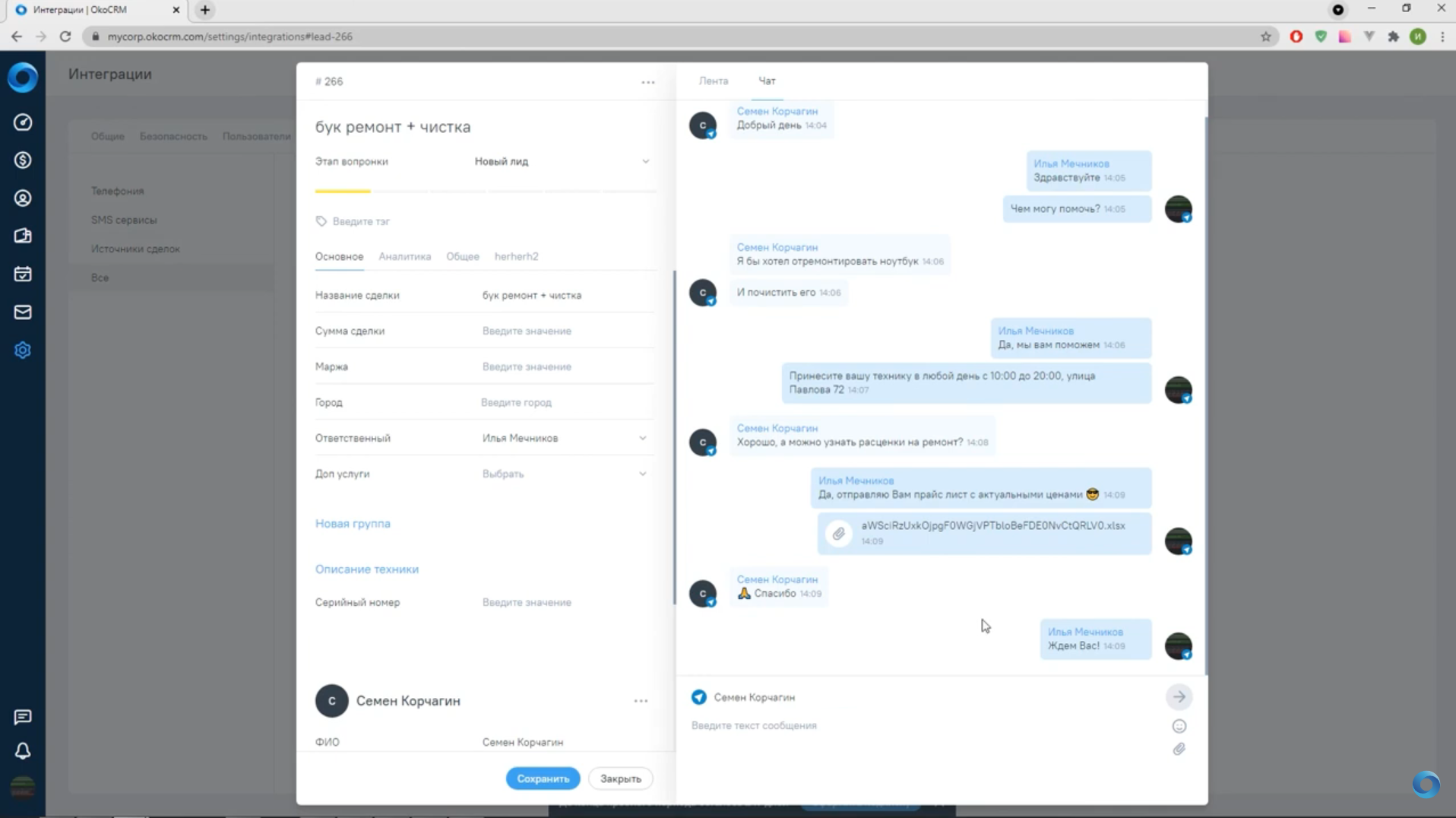
Let’s break down how to link your bot with your CRM. If the bot doesn’t write to your CRM—it’s just a pretty auto-responder. Set up chatbot integration via Webhook, API, or third-party platforms like Albato or Zapier. They provide step-by-step guides.
Data Collection and Analytics: What Metrics to Track
-
Number of conversations
-
Completed scripts
-
Funnel: where users drop off
-
Actions after the chat (purchase, click, subscription)
-
Remember even potential customers
Spend time analyzing—this is the foundation of your chatbot marketing.
Chatbot as a Sales and Marketing Tool
Examples of Automated Funnels
-
Quiz + discount result
-
Interactive product catalog
-
Service recommendation flow
-
Time-limited offers
Bots are great at engaging and converting, especially if the chatbot for customer support is integrated. Guide your users from the first second—it pays off.
How to Boost Sales with Chatbots
-
Speed up responses
-
Shorten the buyer’s journey
-
Offer bonuses, upsells, gifts
The faster a client gets a reply, the less likely they are to leave. Fewer clicks = more sales.
Broadcasting via WhatsApp and Telegram allows you to message subscribers (with consent). Great for launches, warm-ups, and repeat sales.
How to Launch a Chatbot: Step-by-Step
-
Define your goals
-
Write the scripts (preferably as a flowchart)
-
Choose a platform
-
Set up templates
-
Test everything manually
-
Launch the bot
-
Collect data and improve
Just start, and then improve via testing and tweaks.